

Games
-

Iromino
LiveA logic puzzle in numbers and colors. Grow each region until its number runs out, keep regions of the same color apart, and fill the board. Two hundred forty puzzles to solve, the first 40 free in your browser, with hints and Highlight when you need them.
-

Block Pong
LiveNeon polygons, each carrying a number, and ten balls to wear them down. Drag to aim, let go, and keep the rows from reaching the line. Share a run as a link that replays it.
-
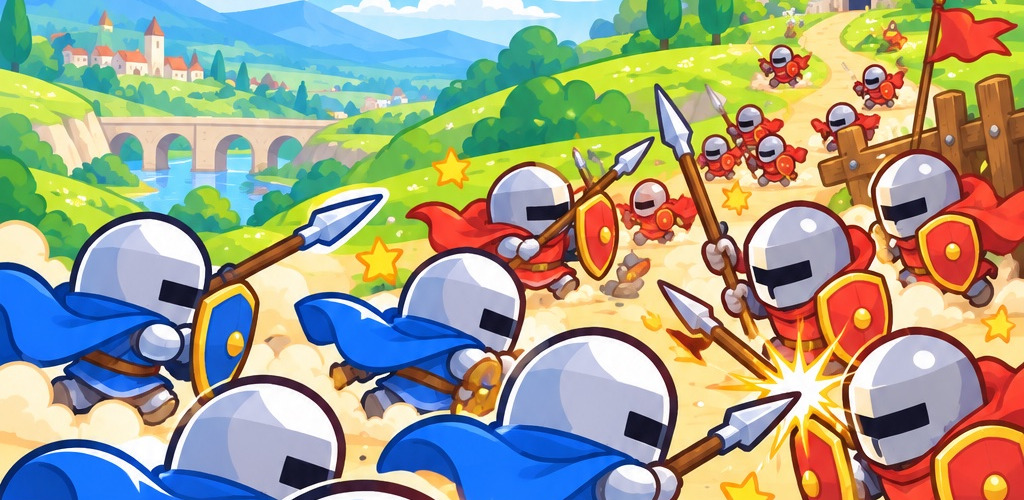
Math Fighters
LiveMath as a battle. March your army through the gate whose formula leaves the most soldiers, then outnumber the enemy. The first 20 of 100 stages free in your browser.
-

Four-Tile Mahjong
LiveTwo-player Japanese mahjong with a hand of four tiles plus one. Complete one set and one pair to win, in quick online matches. In Japanese.
-

Flying Penguin
LiveOne bear, one bat, one well-timed swing. Send a penguin skipping across the ice, chase a five-shot total in Rush, or share a room link for a match with up to four players.
-

Break Works
LiveA wrecking ball and twenty stacks that have to come down. Tap where the ball should land, spend as few of them as you can, and hand the collapse to someone else as a link they can watch.
Start with a link
Our browser games open straight from a link, with no app to install and no account to create. Send someone a URL and they can try the game for themselves.
A link fits in a group chat, an email or a QR code on a whiteboard. Browser play is part of how we make games accessible, alongside our work on smartphone apps.
Your progress and records stay on the device where you play. In the browser there is no game account to register and no global leaderboard. About the studio sets out the rest of the rules we work to.
- No install — the URL is the game, on any current browser.
- No account — nothing to register, nothing to sign in to.
- Free browser play — no purchase required to play on the web.
- One input — a thumb on a phone works as well as a mouse.
Guides
-
Guide 01
Getting started
What a browser game needs from your device, where your best scores are kept, and what to try when one will not load.
-
Guide 02
Playing together
Create a Flying Penguin room, share a link or QR code, and play or watch together.
-
Guide 03
Comfort and access
Dark mode, reduced motion, sound and vibration, one-handed play — and an honest list of what is not there yet.
The short answers
- Do the games cost anything?
-
Our browser games are free to play. Smartphone apps may offer optional in-app purchases; check the game's description for details.
- Do I need an account?
-
No. You do not need to create a game account to play.
- Where do my high scores go?
-
Into your own browser, on the device you played on. We keep no copy, so records do not travel between devices and clearing site data erases them.
- Which browsers work?
-
Use a current Chrome, Safari, Firefox or Edge on a phone or computer. Games that use WebGL need browser graphics support and hardware acceleration.
More answers are on the questions page, and anything they miss belongs on support.
Who makes these
House Mouse Games is the games label of Electric Sheep, Inc. (株式会社エレクトリック・シープ), a small company in Tokyo. We have been making things that run in a browser for a while, and these are the ones worth keeping up.
Bug reports and questions reach the people who wrote the games — support lists the handful of details that make a problem reproducible. Formal operator information is on 運営者情報, and how personal data is handled is set out in the プライバシーポリシー.